The same MFA device turned up in several accounts after fake IT calls
Unit 42 saw one device named Pixel 10a registered across compromised accounts after fake IT calls. Its name gives responders a lead to check against sign-in and registration records.


An unauthorised registration for multi-factor authentication (MFA) can lead an incident responder to a second compromised account. In a 20 November investigation, Palo Alto Networks' Unit 42 said it saw attackers use a single device across multiple accounts that had been compromised. The device was named Pixel 10a. The group posed as internal IT staff and registered an unauthorised device within minutes of signing in. For a help desk handling a report of a fake call, the first confirmed enrolment is a reason to check who else acquired a new sign-in method around the same time.
Pixel 10a is the name the researchers recorded. Others can own phones with the same name. The published report gives neither a unique device identifier that another organisation can look up nor a list of affected accounts. A search for that label can produce leads. To decide which accounts require containment, check what changed, when it changed and what the account did next.
What one phone connected
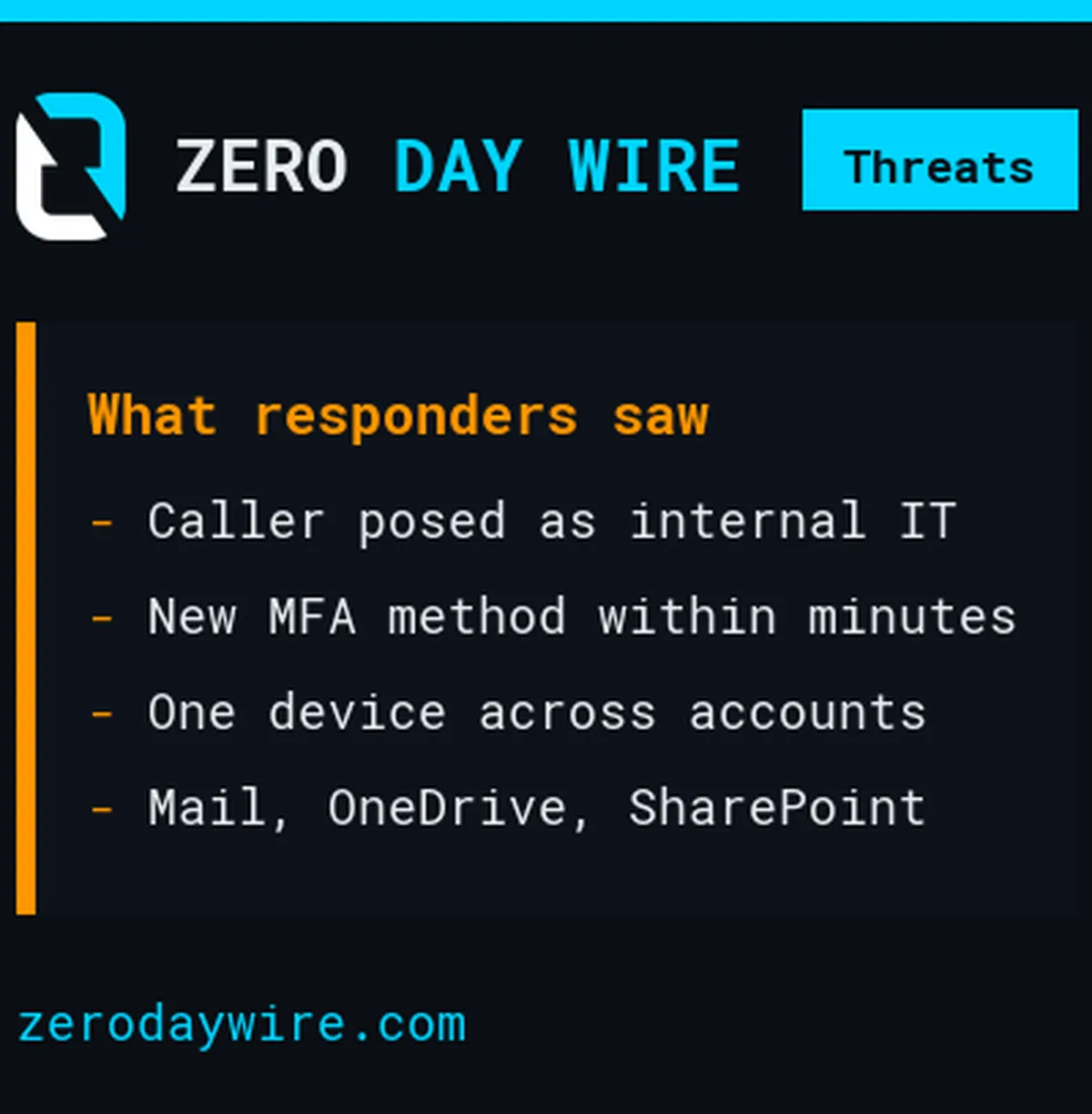
Unit 42 identified the group in September and tracks it as Vortex, or CL-CRI-1264. Its investigators saw it target healthcare, pharmaceutical and other medical organisations in particular. The callers impersonated internal IT support, and employees encountered them on both work devices and personal phones. The account history matters even when the employee took the call away from their desk.
What followed the sign-in was a change to who could prove control of the account. An employee might recognise that a request to approve a sign-in was suspicious and alert IT. By the time they do, the account may already have another way to authenticate. Unit 42 identified the same device on several compromised accounts. Its report describes the connection without saying how the researchers established the match. The report does not say exactly how many accounts shared it, or whether they belonged to the same organisation.
Unit 42 also observed theft of material from Microsoft 365 mailboxes, OneDrive and SharePoint. After stealing data, attackers contacted employees directly through Teams with extortion demands. In an affected organisation, the incident lead can seek corroboration in both the registration history and activity in the services the employee could access.
Find the time of the change
Start with the account whose owner reported the call. Record the time of the conversation as precisely as they can recall it and ask which sign-ins or new devices they recognise. Contact them through a number or channel already held by the organisation. The incoming caller cannot vouch for a newly supplied callback number. Keep any uncertainty in the time alongside the report so the investigation does not depend on a single guessed minute.
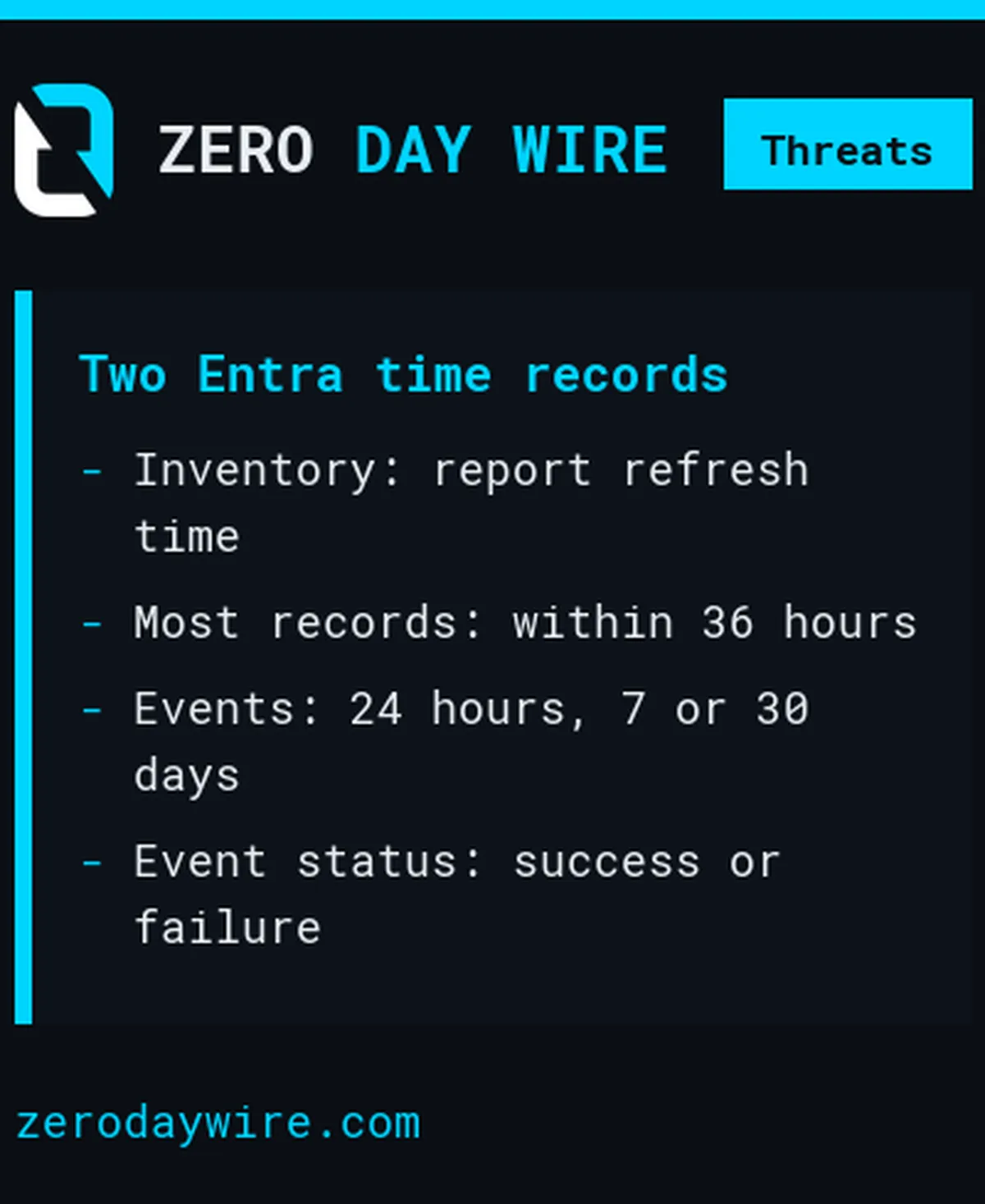
For an organisation using Microsoft Entra ID, the distinction between an account's present settings and its history is particularly important. Microsoft's authentication methods reporting guide describes a user registration report showing the methods on an account. The report refreshes for most users within 36 hours and can take longer for some. Its last-updated time records when Microsoft refreshed the report. It cannot tell you when someone enrolled a phone.
The separate registration and reset events view records a date, user, feature, method and success or failure. It offers windows covering the last 24 hours, seven days or 30 days. Use the event time to anchor the investigation. An analyst can then check which sign-in preceded a successful registration and which cloud activity followed. The affected employee's account of the call can help explain why a change they never requested coincides with a sign-in under their name.
Widen the account review
Work outwards from that confirmed event. Review recent successful registrations for accounts whose users reported similar calls, then look for registrations in the same period elsewhere in the organisation. Where local records expose a device identifier or useful device detail, preserve the original value and its field name. If all the organisation has is a model name, record that limitation. Microsoft lists the method used in its event report and makes no promise there that every registration includes a handset's model or unique identity.
Check a possible match against the user's normal activity before calling it a second compromise. An authorised phone replacement can explain a new method. A matching help desk ticket can help establish its date. A user who denies making the change, a suspicious sign-in at the time and unexpected access to files afterwards make a different case. Unit 42's observation gives analysts a reason to ask about the next account. The local records determine the answer for each person. Ask the second employee directly before treating a coincidental match as corroboration.
Look at the data each affected account had access to. The research identifies mailboxes as well as two file services. A responder who checks only an inbox could miss relevant activity in a shared document library or an individual's cloud storage. Keep a record of what those services actually show. A sign-in to an account with access to a library is one fact; an audit event for a particular download is another. The first one alone does not establish that a file left the organisation.
After the first reset
Resetting the password, reviewing the registered authentication methods and revoking sessions are separate administrator actions. Microsoft's guidance for authentication administrators explains what re-registration removes and what happens to refresh tokens when sessions are revoked. Check the methods on each affected account and agree a trusted route for its owner to register again. This avoids handing the recovery conversation back to the person who made the original call.
Applications can also issue their own session cookies. In Microsoft's guidance, the application controls its own session and determines when it sends the user back to the identity provider. Include the affected applications in the containment check and look for activity continuing after the administrator acted. Record what the identity provider invalidated and what the application itself confirmed.
The useful question at handover is which other accounts the team checked after finding the first unauthorised enrolment. Record the confirmed matches separately from the accounts still being investigated. That gives the next responder a defensible scope without turning an ordinary phone name into a warning about every employee who owns one.