DarkVigil hid in Sogou's Windows components
SlippyNunchucks hijacked Sogou's vocabulary icon request to plant DarkVigil. Tencent fixed the request in version 16.10. Defenders investigating earlier exposure should check both Windows component paths.

SlippyNunchucks turned a feature that fetched icons for a Chinese-language Windows keyboard into a way to install the DarkVigil backdoor. ESET Research traced the campaign to Sogou Input Method's own component loader. Tencent has fixed the vulnerable request. A Windows team investigating earlier exposure still has two places to look for the implant.
ESET first saw DarkVigil arrive through Sogou Input Method on 1 July 2026. It reported affected users in Hong Kong, Thailand, Japan, Vietnam, Sri Lanka and Oman. ESET attributes the activity to SlippyNunchucks, which it assesses with high confidence is associated with a surveillance effort aligned with Chinese state interests.
The icon request
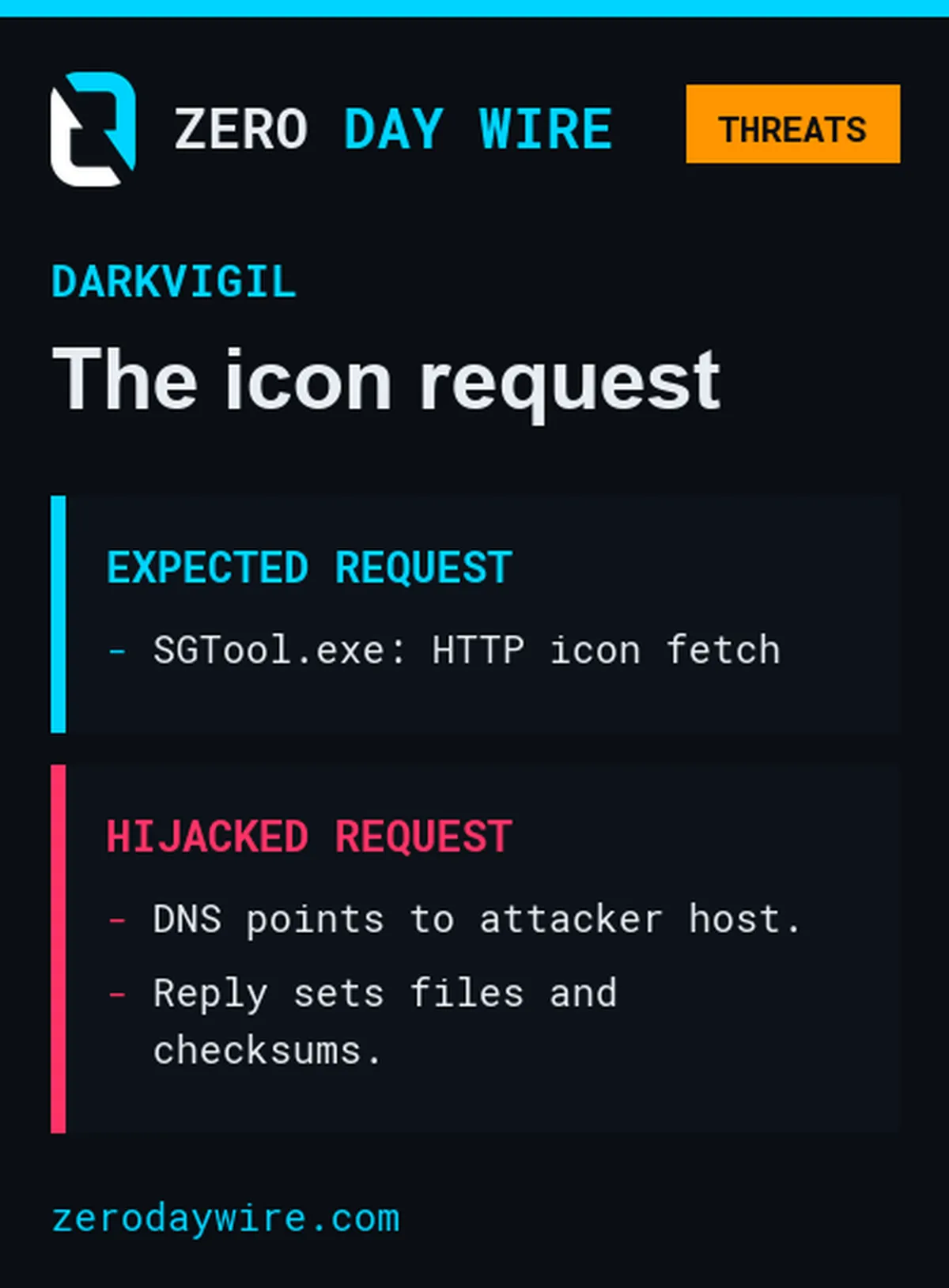
Sogou Input Method can suggest brand names as users type pinyin. An icon helps distinguish those suggestions from ordinary dictionary entries. The Windows component SGTool.exe asked an official Sogou service for the icon configuration over plain HTTP. ESET found that attackers manipulated DNS in victims' environments so that the request went to their servers. It could not establish where the DNS tampering took place.
The attackers sent back their own configuration. It specified a signed Adobe helper and a malicious libcef.dll instead of the icon and supplied matching md5 values for those files. The same reply also told Sogou where to save them. That left the attacker in control of both the downloads and the values Sogou used to check them.
Two places to look
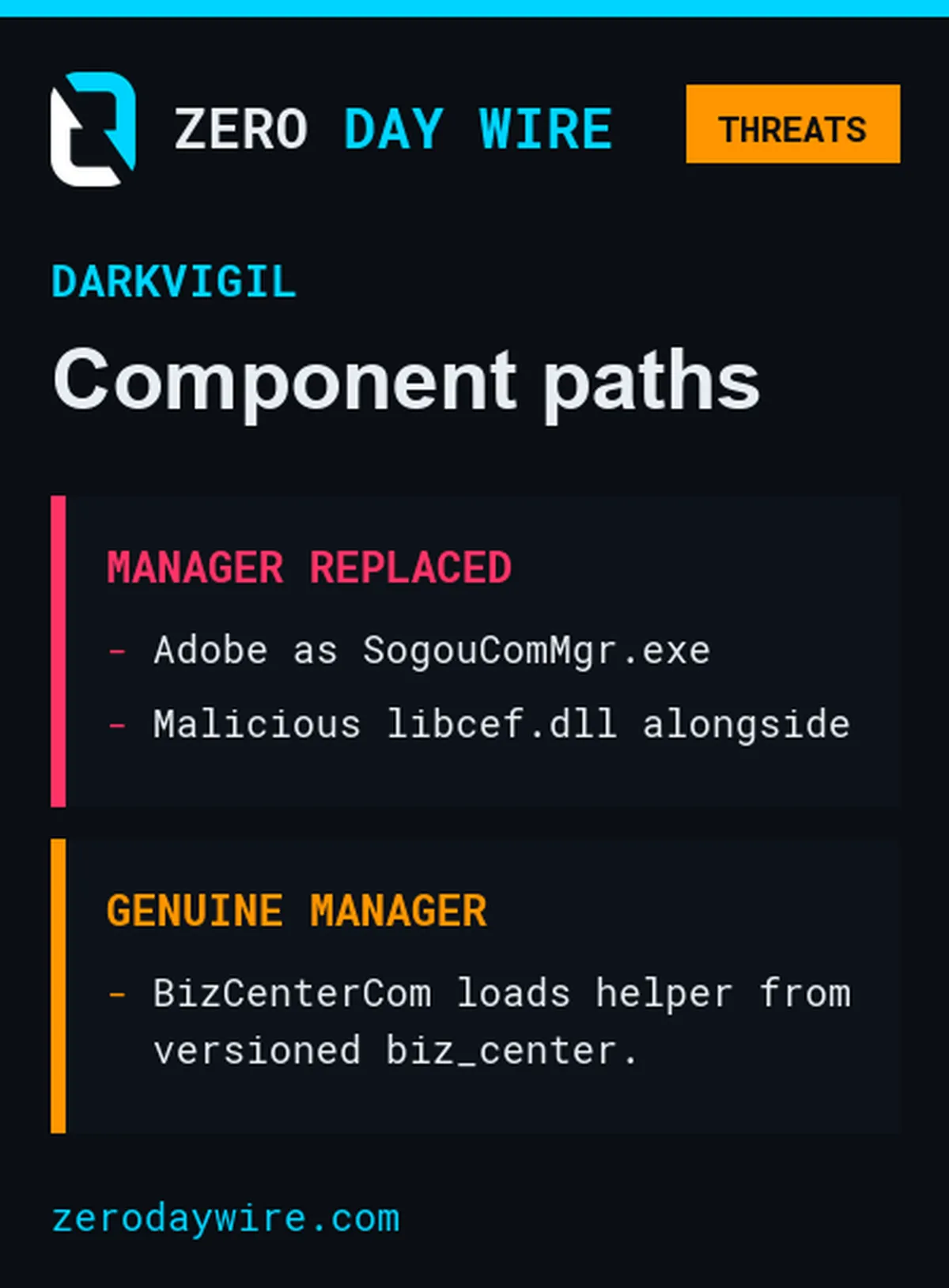
In one route, the Adobe helper was written over \Components\SogouComMgr.exe. The next time Sogou called its component manager to install or load a component, Windows ran the replacement helper, which side-loaded \Components\libcef.dll.
The other route left the genuine SogouComMgr.exe in place. When it loaded the BizCenterCom component, it launched biz_helper.exe from the versioned \Components\biz_center\<version_number>\ directory. The helper side-loaded the malicious DLL there. ESET describes these as alternative routes. If an update overwrites the component manager, the second route can still work if Sogou continues to load that version of the component.
Check both component paths
Sogou's release notes date version 16.10 to 30 October 2026. ESET says it moved the affected requests to HTTPS and added certificate pinning. The CVE-2026-120422 record lists earlier Windows versions as affected. Update any remaining installations, then use endpoint and DNS history to assess what happened before the upgrade.
- Compare
SogouComMgr.exewith a known-good copy for the installed version. An Adobe signature on that file is worth investigating because the attacker used a signed Adobe helper as the replacement. - Inspect the versioned
biz_centerdirectories too. Look for the helper loadinglibcef.dllfrom the same directory. Check candidate files against ESET's published hashes and indicators and investigate confirmed hits as potential compromise.
The version number tells you whether the icon request is fixed. File and process history can tell you whether it was used to plant a backdoor.