Trigger.dev breach: check where your replacement secrets land
Trigger.dev has confirmed access to some customers' environment variables. Its different secret-sync routes make checking the destination copy part of a careful response.


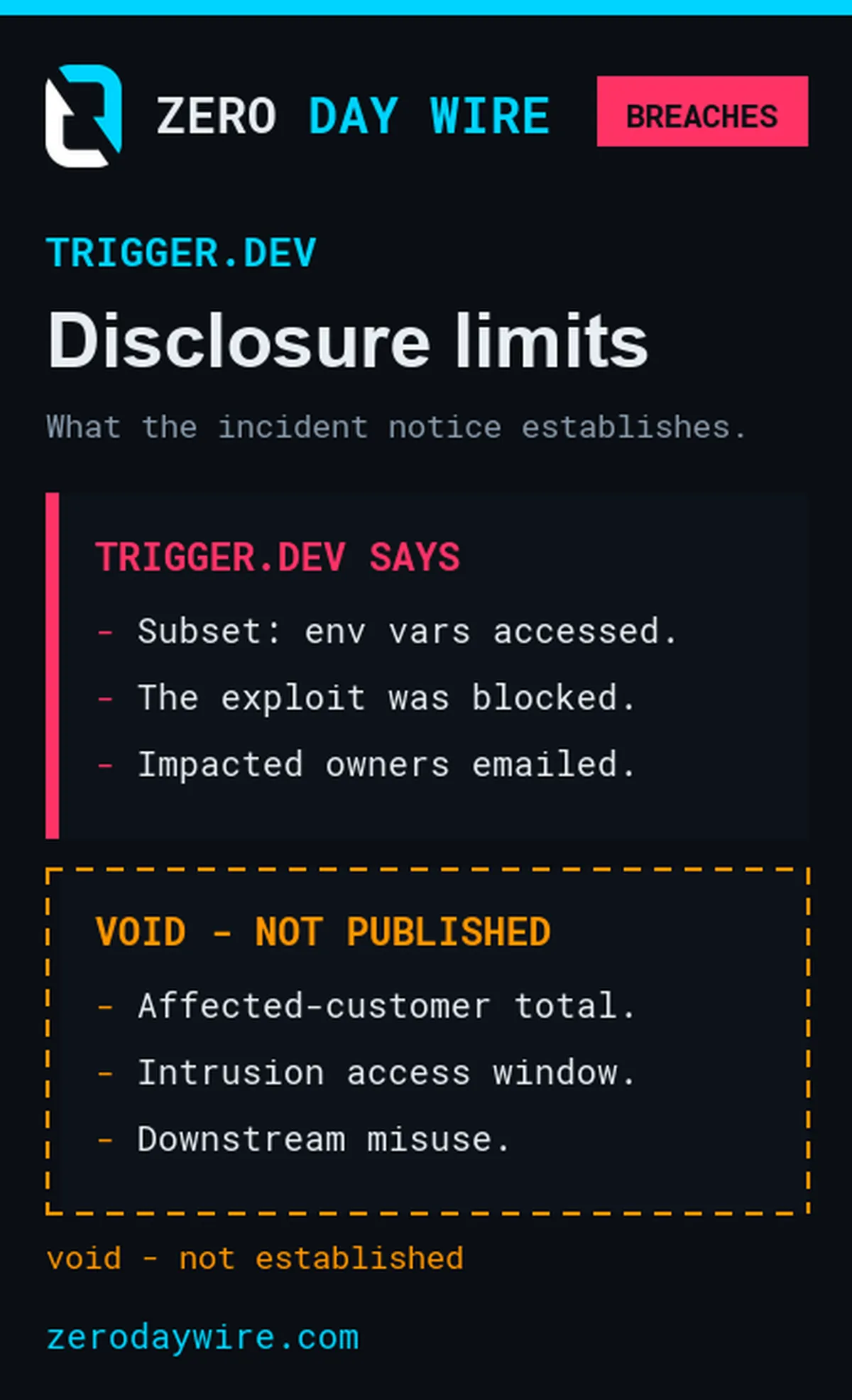
Trigger.dev says an attacker accessed environment variables belonging to some customer organisations. The company disclosed the incident on 1 November and says it has blocked the exploit and emailed every impacted account owner with mitigation steps. Its public notice gives no affected-customer count, access window or technical account of the exploit.
For an affected engineering team, there is a second job after identifying the exposed credentials: check how replacements reach the background tasks that use them. Trigger.dev supports several ways to populate environment variables. A change in a secrets manager can reach one deployment automatically while another keeps its previous copy.
That is a response risk drawn from the platform's documented behaviour. Trigger.dev has not said that stale copies, a secrets-manager integration or a particular synchronisation method played any part in this incident.
What the disclosure establishes
The status incident is marked resolved. The accompanying explanation says the exploit was blocked and that the exposure affected a subset of organisations. It does not say that every credential contained in the accessed variables has been revoked at its issuing service.
Those are separate decisions. Blocking the route into Trigger.dev addresses that route. Whether a copied database password or API key still works depends on the service that accepts it. These are examples of what environment variables can contain, not a published inventory of this attacker's haul.
Nor does the notice establish downstream misuse. There is no public basis here for claiming that customer databases were accessed, particular AI accounts were abused or all Trigger.dev customers were affected. Impacted owners have information in their direct notifications that the public account does not contain. Other customers should confirm their status with Trigger.dev rather than infer an all-clear from an empty inbox.
The replacement has a destination
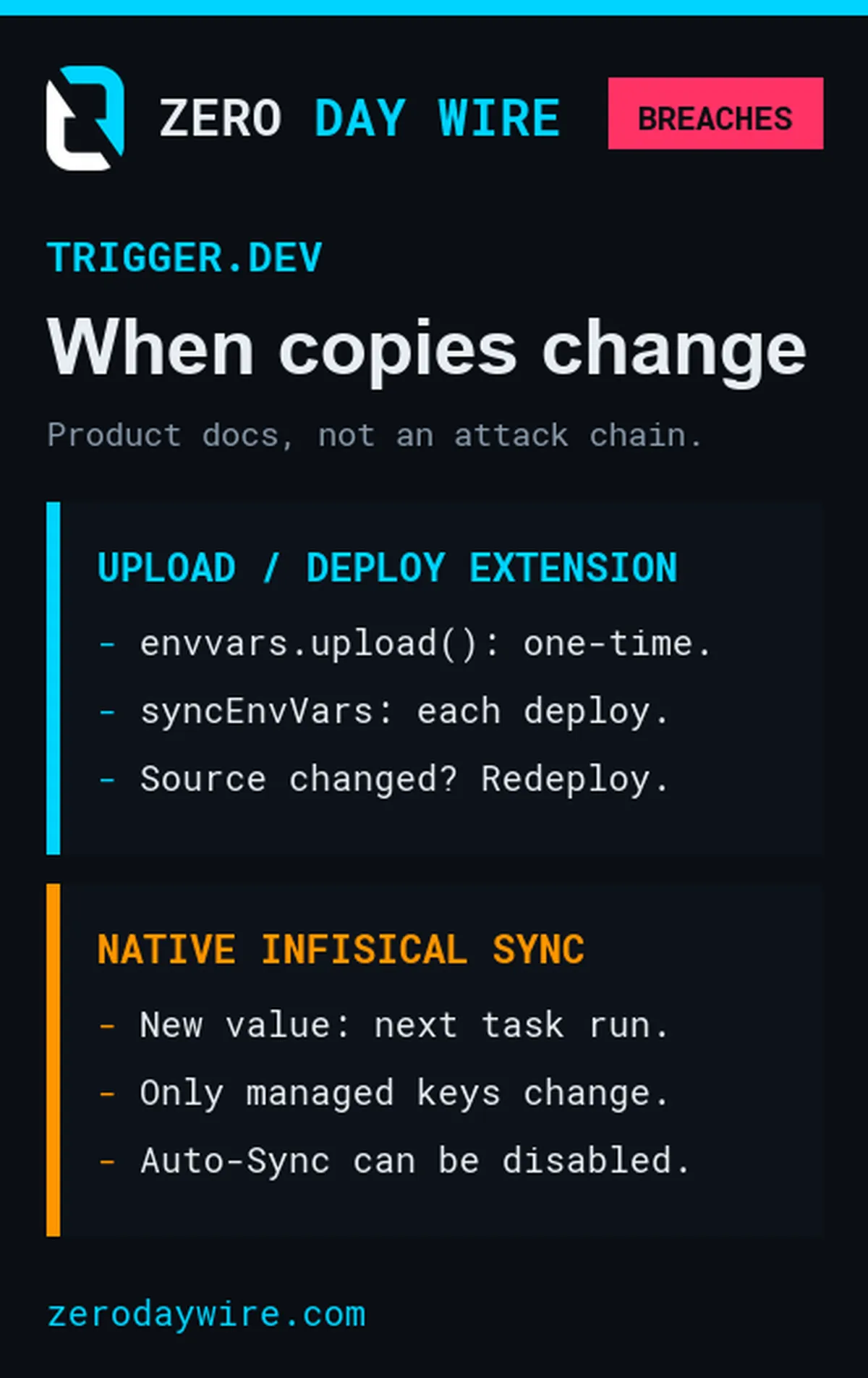
Trigger.dev's environment-variable documentation distinguishes a one-time upload through envvars.upload() from the syncEnvVars build extension. The latter synchronises variables during deployment. In the documented secrets-manager example, changing the source values requires redeploying the Trigger.dev tasks.
That distinction matters during a rushed rotation. An engineer can replace a secret at its source and still leave a deployment-time copy unchanged. Conversely, manually updating the destination without updating its source creates the possibility that a later deployment restores an old value. These are consequences to check in the team's configuration, not observed events in this breach.
The native Infisical Secret Sync follows a different path. Trigger.dev says it updates matching variables without a redeploy, and tasks use the new value on their next run. It only overwrites the keys it manages, leaving manually set variables untouched.
Infisical's own setup guide adds an important condition: automatic synchronisation is a configurable option. It also identifies the source environment and secret path separately from the destination project and environment. Check those settings and the actual sync result before assuming a replacement has arrived in production.
Teams using Vercel should inspect their route too. Trigger.dev's Vercel guide says the syncVercelEnvVars build extension runs on deployment, but should not be combined with the native Vercel integration because doing so can populate variables incorrectly. Follow the route already configured for the application when validating replacements.
Check the destination copy
Start with Trigger.dev's notification and record which organisations, projects and environments require action. Build the credential inventory by name, owner, issuing service and permitted access. Keep values out of tickets and incident notes.
For affected credentials, coordinate revocation with the issuing service and the team's incident-response process. Replacing a value in Trigger.dev alone does not invalidate a copy held elsewhere. Review the issuer's audit records for use of those credentials, preserving the uncertainty around the access window until Trigger.dev supplies it.
Then trace each replacement from its source to the exact Trigger.dev environment. Confirm whether the path is a manual upload, a deployment-time extension or a native sync. Check separately for manually maintained variables that a sync does not manage. Use a controlled task to confirm the intended access works without printing the secret, and verify that the revoked credential is rejected.
The useful completion record is specific: the old credential is invalid, its intended replacement reached the right task environment, and the task works with the access it needs. A resolved status incident cannot supply that evidence for a customer's connected services.