Testmetest's native addon can wait until your application loads it
Testmetest native addons can stay quiet in CI and start when an application imports a package. Check execution triggers, repository hooks and persistence before closing the incident.


Turning off npm installation scripts does not close every route used by the testmetest worm. In a 27 October update, SafeDep reported a newer native-addon build that starts the dropper when an application imports the package. The install can finish without running a lifecycle script, and the malicious code can still start later.
That matters alongside a second finding: some of the campaign's native loaders deliberately stay quiet in CI and analysis environments. A clean automated run and a developer's later execution can therefore be different events, with different outcomes. Neither finding means every native addon is suspicious. It means an install-only check leaves a gap this operator is already designing around.
The research describes analysed code, not a verified infection count. SafeDep's original report was published on 22 October and updated on 26 and 27 October. JFrog's 26 October investigation separately found 42 armed GitHub repositories across 11 legitimate owners. ZDW has not independently inspected those repositories or run the malware.
Quiet in the scanner
Earlier testmetest packages used binding.gyp to start a JavaScript loader during installation, despite having no conventional install script. Later packages moved that work into a compiled Node addon. A small postinstall command called its init() function, while the payload sat beside it in a hidden file named .napi_cache.
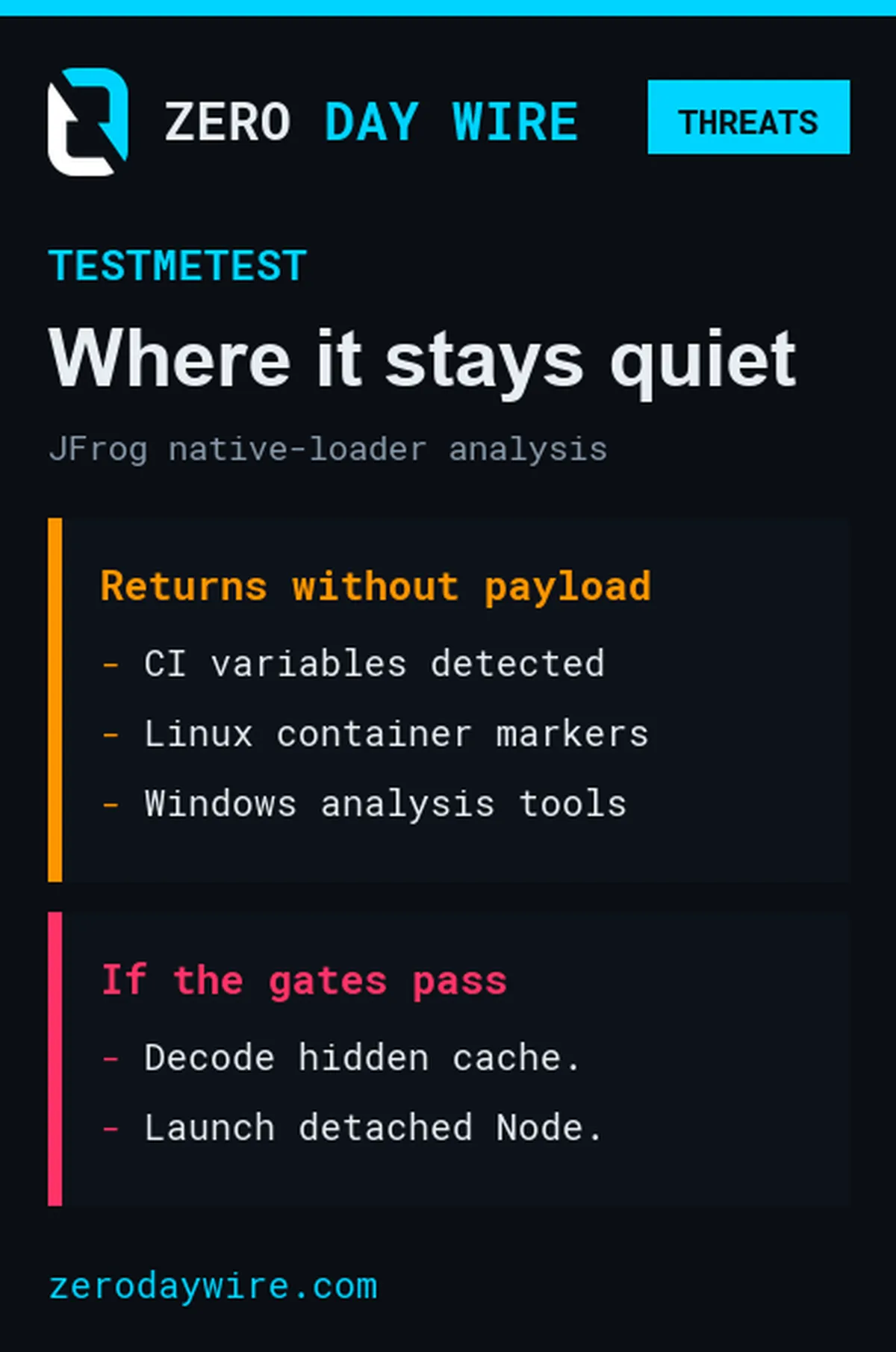
JFrog found that the Linux addon checks for CI variables, container markers, small machines and attached debuggers before decoding that file. The Windows build checks CI and sandbox variables too, then adds process-name checks for tools including Wireshark and Process Monitor. The platform-specific checks differ; the shared purpose is to return before the payload runs when the environment looks wrong.
If those gates pass, the loader decodes .napi_cache, writes JavaScript into a temporary location and starts a detached Node process. The installation can finish while the new process continues. This is why silence from a CI runner is weak reassurance for these particular builds. A quiet run in that environment is part of the design.
SafeDep's 27 October update moves the trigger again. In the analysed @testsecuiitytestme/cache-helper builds, the native addon starts its dropper from napi_register_module_v1, the module-registration entry point invoked when Node loads it. An application import can reach that code, so npm install --ignore-scripts does not stop the later trigger. The boundary has moved from installing a dependency to using it.
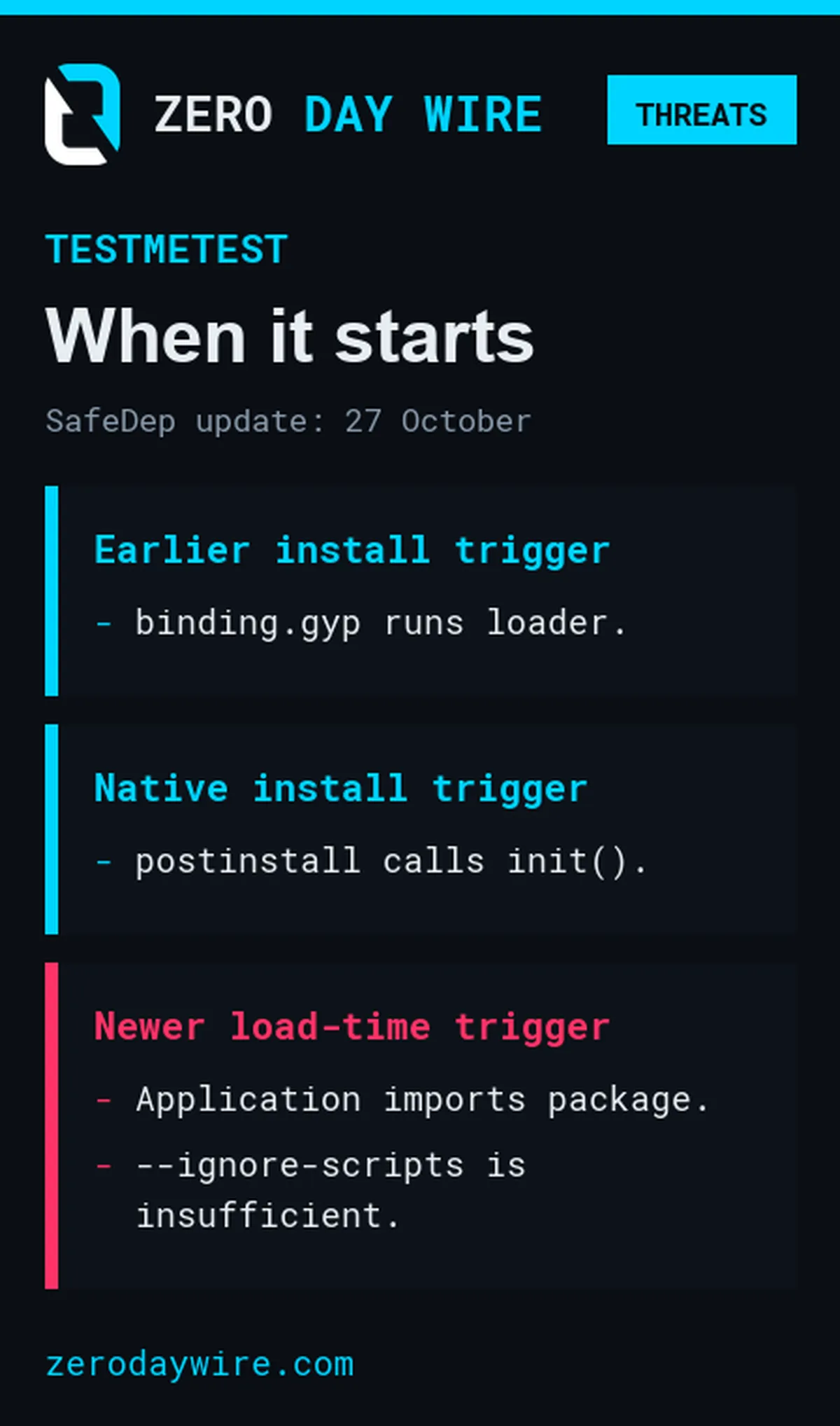
Disabling lifecycle scripts still removes an important execution opportunity. It should sit beside package review, controlled execution and scrutiny of native binaries, rather than act as the verdict on whether a dependency is safe. SafeDep also notes that newer packages name macOS targets but did not ship a macOS addon in the versions it examined. Do not turn listed platform names into confirmed platform coverage.
The repository is another entry point
The package is only one part of the exposure. JFrog found execution hooks planted in development-tool configuration, including .claude/settings.json, .gemini/settings.json, .cursor/mcp.json and .vscode/tasks.json. These pointed at a hidden publisher payload in .github/init.js. Starting an assistant session or opening a workspace with a configured trigger could become an execution opportunity.
JFrog's first code-search sweep found 26 repositories. Direct enumeration of repository trees and blobs, followed by account sweeps, raised the total to 42 armed repositories. The payload wrappers were roughly 13 MB and were missed through the search and content-retrieval paths the researchers initially used. An apparently absent search result did not mean the file was absent.
For maintainers, the useful response is to inspect the repository's executable configuration as well as its source files. Look at unexpected assistant hooks, folder-open tasks, workflow changes and new branches before opening an unfamiliar checkout in a tool that can act on them. A familiar account or a clean-looking default branch does not settle what another branch or configuration file will execute.
Publishing intent is not a proven release path
The recovered publisher inspected workflows for npm trusted-publishing prerequisites and implemented a GitHub identity-token exchange for an npm publishing token. That is a capability described in the code. JFrog explicitly could not tie the retained Actions runs to one malicious release and says it may instead have been published manually or from a deleted run.
So this is not evidence that npm's identity system was broken, or that every affected repository successfully published a poisoned package. It is a reason to audit the workflow and repository trusted to publish, alongside long-lived tokens. Removing a stored token does not repair malicious code already sitting inside an authorised publishing context.
Contain before revoking
There is a more urgent response detail for anyone who finds an affected full-worm build. Both researchers describe persistence that checks whether a stolen GitHub token still works. A failed check can trigger deletion of the user's home directory. SafeDep therefore puts host isolation and removal of persistence before credential rotation in its remediation guidance.
- Isolate the suspected host and preserve relevant package, commit and workflow metadata. Avoid reopening the affected workspace in an assistant or IDE.
- Address the reported net-health-checker and pkg-runtime persistence through incident response or rebuild the host from trusted media. Coordinate revocation from a clean system with that containment work.
- Rotate credentials available to the affected user or runner, including Git hosts, registries, cloud services, SSH and AI providers. Review releases and repositories those identities could modify.
- Match package names and versions against the researchers' inventories. Some campaign-associated releases are benign stubs or decoys; a matching name alone is not the complete finding.
- Inspect native addons, adjacent hidden cache files and unexpected prebuilds directories, then review executable repository configuration. Do not rely on a keyword search or a quiet install to close the incident.
The useful security boundary is the moment code receives permission to run. In this campaign that can be an installation, an application import, an assistant session or a publishing workflow. Check each one that your development process exposes, because a control at the first boundary cannot answer for all the others.