BlackApex phishing ends on a real Microsoft sign-in page
BlackApex and SPY lures use genuine Microsoft sign-in to collect tokens. Changing pages and per-visitor URLs make the authentication flow the stronger place to investigate and restrict.

BlackApex and SPY phishing lures can finish on a genuine Microsoft sign-in page. The password form and MFA prompt can both be real. The deception is in the request that brought the user there: they are approving a device-code sign-in started by the attacker's infrastructure.
LevelBlue SpiderLabs' 30 October report describes a previously undocumented family of kits sharing an engine and administrative interface. The researchers found more than 70 URLs hosting matching panels and lures. That is an infrastructure finding, not a count of compromised organisations.
The useful response is to examine whether the organisation needs device code authentication, and where it is allowed. The page's address alone cannot establish that the user intended the sign-in being authorised.
Different disguises, the same hand-off
SpiderLabs describes five lure themes, including SharePoint, Zoom, Adobe Acrobat Sign, Excel and OneDrive. The pages present familiar business tasks while using the same backend mechanism to obtain a device code and check whether sign-in has finished.
The first analysed SharePoint-style page pretends to load a document before redirecting the browser to a Cloudflare Workers URL. Other observed stages use Turnstile and additional redirects. The kit can assign a different landing URL to each visitor, giving defenders moving targets even where the underlying service remains the same.
The two email-delivery chains collected by the researchers also used trusted cloud services. One presented a Google share link. Another placed a link in a PDF, then sent the reader through Microsoft Forms before reaching the lure. Microsoft Forms displayed an external-site warning in that second chain. These were collected examples, rather than proof that every deployment uses those routes.
That distinction matters to filtering. A recognised cloud domain may be one stop in a longer journey. Preserve the message, attachment and redirect sequence when investigating a report, rather than reducing the case to its first visible URL.
Genuine authentication, wrong request
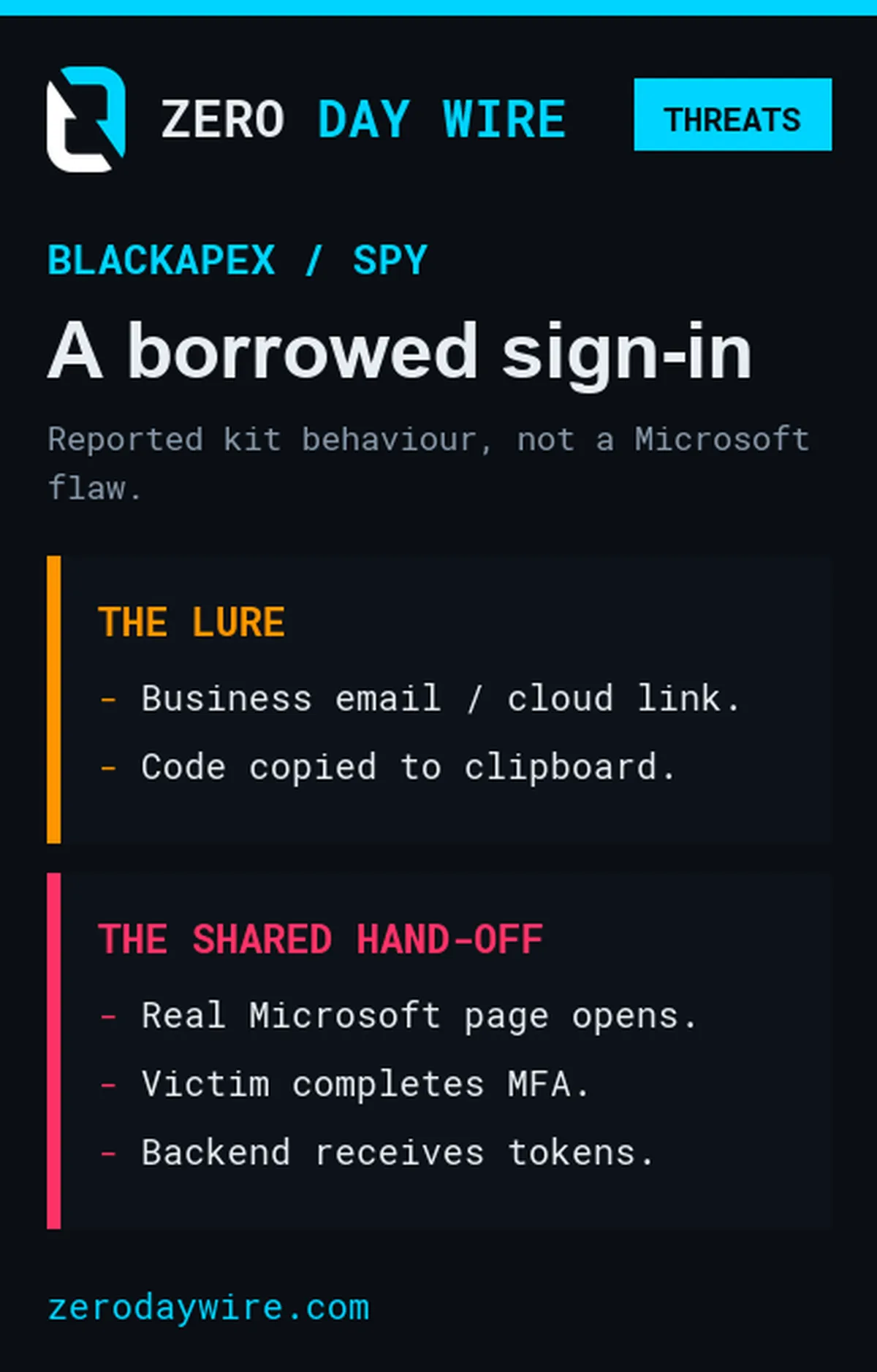
In the variants SpiderLabs examined, the main button copies the device code to the clipboard and opens Microsoft's real microsoft.com/devicelogin page. The user pastes the code and completes the sign-in, including MFA.
The backend polls for completion. Once the authorisation succeeds, the researchers say the attacker's server holds an access token and refresh token for the account. The lure then sends the user to a genuine Microsoft Word page, giving the interaction an ordinary-looking finish.
This does not establish that every form of MFA has failed or that Microsoft hosted the phishing lure. It shows a user completing authentication for a request initiated elsewhere. The report describes a sign-in screen identifying Microsoft Authentication Broker on another device in the United States. That wording belongs to the collected chain; it is not a universal location indicator for every attack.
A user asked to enter a code to open an unexpected document should therefore stop and report the request, even if the sign-in page is genuine. The question is whether they knowingly started the corresponding device sign-in.
Watch the protocol survive the disguise
Microsoft recommends blocking device code flow wherever possible, while recognising legitimate uses such as shared devices and legacy tooling. Its guidance explains how to inspect existing usage with the sign-in logs' Authentication Protocol filter and the Device code option.
Use that view to establish a baseline, then investigate unexpected combinations of account, application, source location and timing. A device-code event alone is not proof of phishing. Correlation with an unsolicited document message, unfamiliar sign-in context or subsequent account activity makes the event worth explaining.
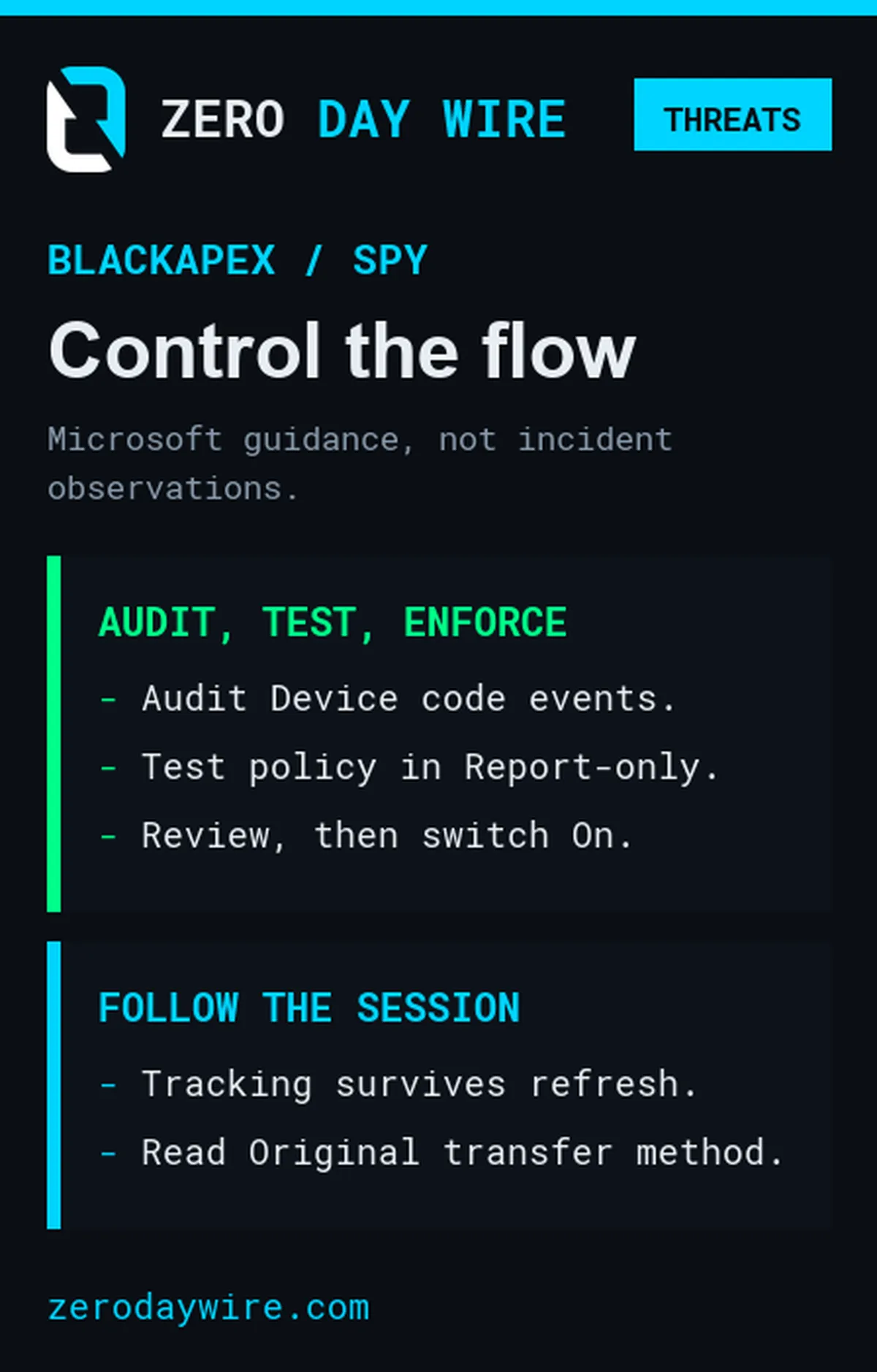
There is another useful detail in Microsoft's documentation: protocol tracking persists through later token refreshes. A later request may remain subject to an authentication-flow policy even when that request did not itself use device code flow. The sign-in detail Original transfer method, with the value Device code flow, helps explain that history.
That gives responders a better question than whether the latest request resembles the original lure. They can investigate the authentication route that established the session.
Check the initiating device
Microsoft's blocking-policy walkthrough starts by auditing use, then targets Device code flow under Conditional Access authentication-flow conditions. It specifies Block access, initial Report-only testing, and a move to On after reviewing the results. A report-only policy is not the final blocking state.
Follow the documented emergency-access exclusions and identify legitimate dependencies before enforcement. Where the flow must remain available, document the narrow use case and its safeguards. Validate the actual resulting sign-ins, rather than treating a saved policy as evidence that the intended restriction works.
SpiderLabs assesses with high confidence that the kits were largely built with AI assistance, citing code style, retry handling and consistency across differently branded lures. The public report does not supply development history or identify the authors. Defenders can act on the documented sign-in mechanism without resolving that assessment.
The panel names are similarly uncertain: the researchers could not establish whether the different labels represent operators, resellers or customers. BlackApex and SPY are useful names for this investigation. The durable control is deciding which device-code approvals the organisation intends to permit, then checking that its policy enforces that decision.