EvilTokens: The Microsoft Login Is Real. The Mailbox Theft Is Too.
Microsoft links EvilTokens campaigns to more than 12,000 compromised inboxes. The trick is not always a fake login page: victims can approve the attacker's session through a genuine Microsoft sign-in.


A phishing victim can check the address, reach a genuine Microsoft sign-in page and complete multifactor authentication. They can still end up handing an attacker access to their mailbox.
That is the problem at the centre of Microsoft's research into EvilTokens, published on 22 September 2026. Microsoft says campaigns using the phishing service have compromised more than 12,000 inboxes across over 10,000 organisations worldwide. Those are Microsoft's observed figures, not a separate count verified by Zero Day Wire.
The service emerged in February 2026. Microsoft tracks its developer and support operation as Storm-2992 (Microsofts Code Names). Its customers get a commercial kit for stealing access through device code phishing, with landing-page templates, mailbox tools and an AI assistant for tailoring lures.
The important distinction is what gets stolen. The attacker does not necessarily need the victim's password. They need the victim to authorise a session the attacker started.
A real page, the wrong session
Device code authentication has a legitimate purpose. It lets someone sign in to a device or application using a separate browser, which is useful when entering credentials directly is awkward. The code connects that browser approval to the waiting device or application.
In these attacks, that waiting session belongs to the criminal. A document-sharing lure or other pretext persuades the recipient to enter the supplied code and complete the real Microsoft authentication process. The service then issues tokens for the session the attacker controls.
The sign-in page can be genuine throughout. Checking its address is still useful, but it does not tell the user who initiated the request they are approving.
This is not evidence that Microsoft encryption has failed, or that every form of MFA is useless. It is abuse of a legitimate authentication flow. The victim can complete the required checks while misunderstanding what they are granting access to.
Phishing, sold by subscription
Microsoft reports an initial price of $1,500 USD, followed by $500 a month for continued access to the kit and control panel. Some additional tools carry separate subscription fees. The service offers 44 lure themes, including document sharing, invoices and requests for proposals.
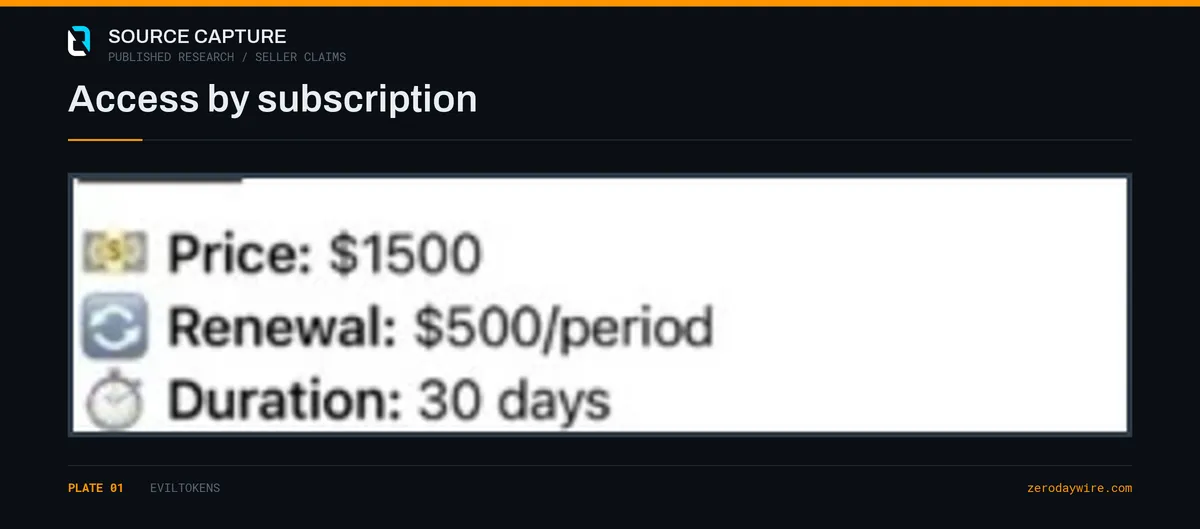
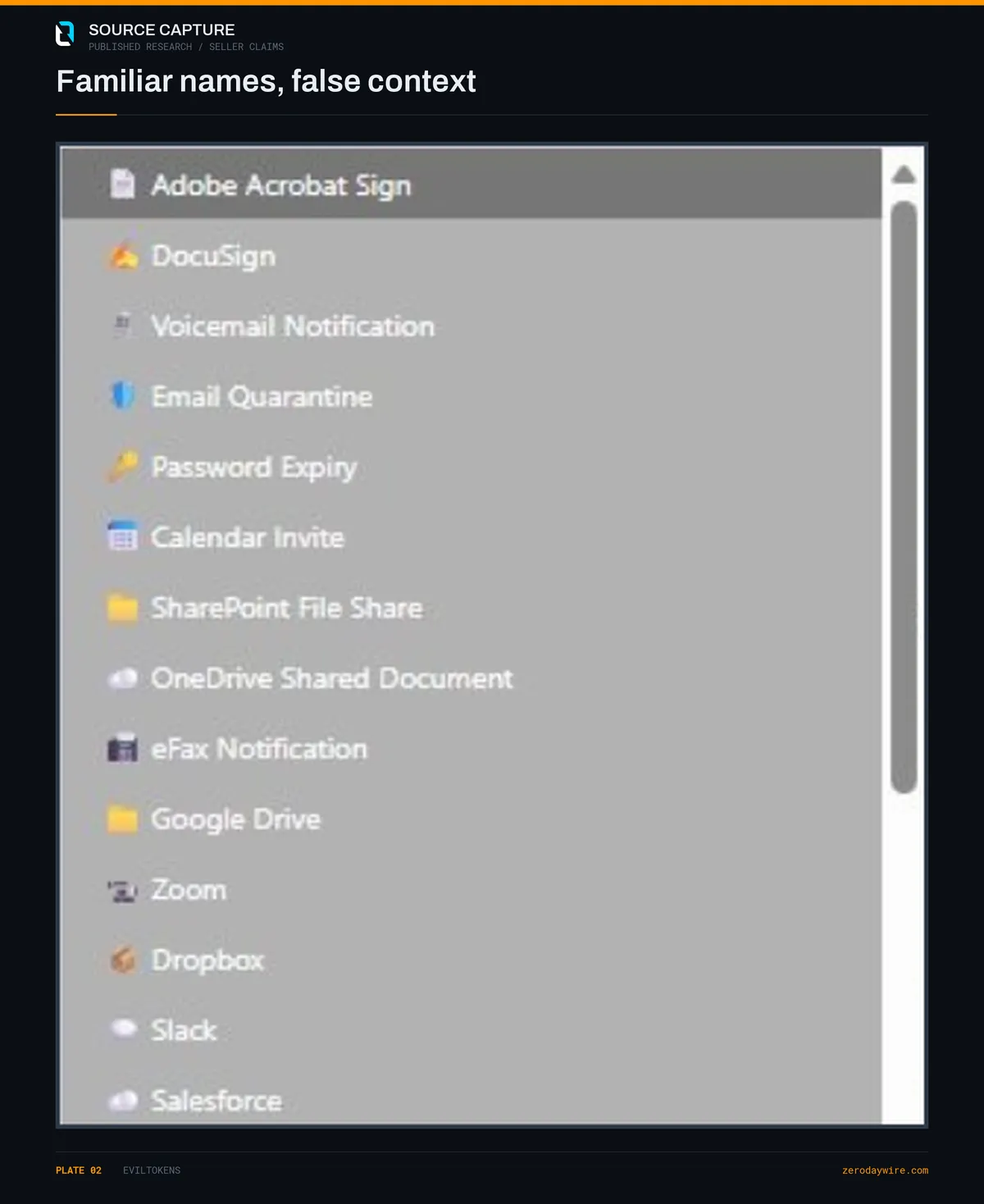
Screenshots published with the research show how the sellers package that access: a storefront, subscription terms and templates borrowing the appearance of familiar business services. The AI features help tailor messages to the recipient. They do not make the underlying authentication abuse new.
The advertising deserves a firmer distinction. Claims about tokens that never expire, or administrator tokens automatically opening every mailbox, are sales claims, not properties defenders should accept at face value. Actual access depends on the token, permissions, account privileges and tenant controls. If a session can be renewed, that does not mean it cannot be terminated.
Microsoft also describes deployment on legitimate hosting services. That is a reason to examine specific malicious links and behaviour, not to treat an entire shared cloud provider as an indicator of compromise.
The mailbox becomes the next lure
Once inside, the attacker has more than a collection of messages. Existing conversations provide names, relationships and payment context that can make the next approach much more convincing.
Microsoft observed email exfiltration, malicious inbox rules and follow-on phishing sent through compromised accounts. The kit also supports searching mail for financial, executive and administrative information. Its AI-assisted features help operators identify material worth pursuing.
In some incidents, Microsoft observed attackers registering a device within 10 minutes of the initial compromise to obtain a Primary Refresh Token and extend their access. That finding concerns a subset of incidents, not every compromised inbox in the report.
This changes the response. Removing the original lure does not remove tokens already issued. Nor does a password reset, by itself, demonstrate that every route back into the mailbox has been closed.
Microsoft says its Digital Crimes Unit worked with partners to disrupt infrastructure supporting the operation. That matters, but it is not confirmation that every compromised account has been recovered or every affiliate's access has ended.
Hunt beyond the sign-in
The useful question is not simply whether a user authenticated successfully. It is what followed: unfamiliar device registrations, unusual mailbox access, new inbox rules, unexpected application permissions or messages sent to the user's contacts.
Microsoft lists Defender detections including User account compromise via OAuth device code phishing and Device registration after potential device code phishing. Its report also includes hunting queries connecting phishing evidence with browser and identity activity. These are investigation starting points, not unique fingerprints proving EvilTokens attribution, and not automatically ready-made custom detection rules.
For the authentication flow itself, Microsoft's Conditional Access guidance explains how to identify device code sign-ins and restrict them. Review the events alongside the account's subsequent activity rather than treating a successful MFA result as the end of the investigation.
Close the authorised session
The most direct preventive control is to restrict the flow the kit depends on. Microsoft recommends blocking device code authentication where it is not needed. Where legitimate devices or tools require it, establish narrow, documented exceptions. Test the policy in report-only mode before enforcing it, and check that recovery and legitimate business access still work.
For an account already affected:
- Contain the account under the incident response plan, revoke its sign-in sessions and address compromised credentials. Do not treat a password reset as proof of eviction.
- Investigate device registrations and disable unauthorised devices. Check for persistence involving Primary Refresh Tokens rather than stopping at the original session.
- Review inbox rules, forwarding, delegated access and application permissions. Preserve evidence of changes and examine messages sent from the account.
- Verify that access has actually ended. Token revocation and application session handling are not universally instantaneous; existing access can persist while enforcement takes effect.
Keep MFA. Keep teaching people to inspect links. Add the question this campaign exploits: did I start the sign-in I am now being asked to approve?
Here, the authentication can work exactly as designed. The failure is authorising the wrong session and then assuming a successful sign-in means the right person received access.